Try it now, 24h FREE
Add your first delegated user today. No technical setup, no shared passwords, no risk. Start managing reviews as a team.


Stop sharing your Google Business credentials with your team
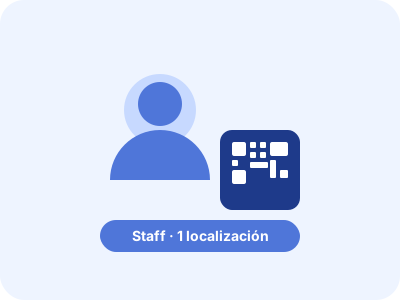
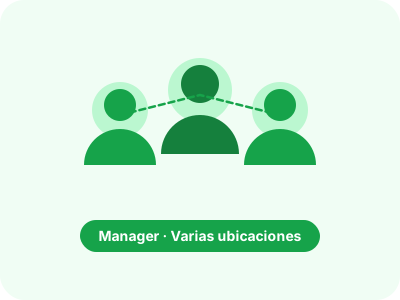
Assign Staff, Manager, or Badge Only roles to your team. HQ gets a consolidated multi-location view. Staff handles their location. Delegate review management without sharing credentials.












From a single waiter at a neighborhood restaurant to a franchise manager overseeing 50 locations — every team member gets exactly the access they need, nothing more.
Want to see how it works for your team?
Book a free call with our team. No commitment, no sales pitch. Just your structure, your locations, and how to delegate review management without sharing credentials.
Book your free demo →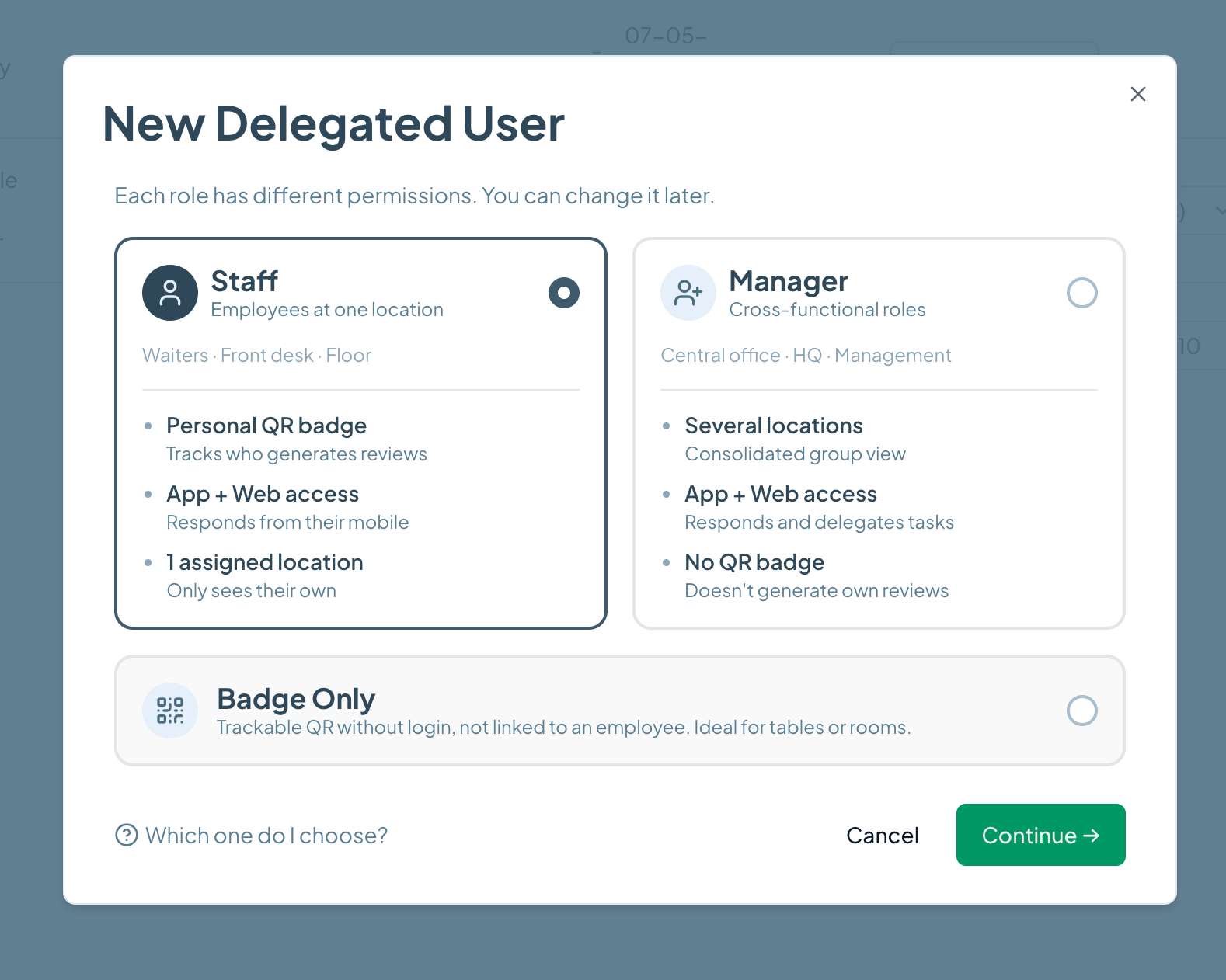
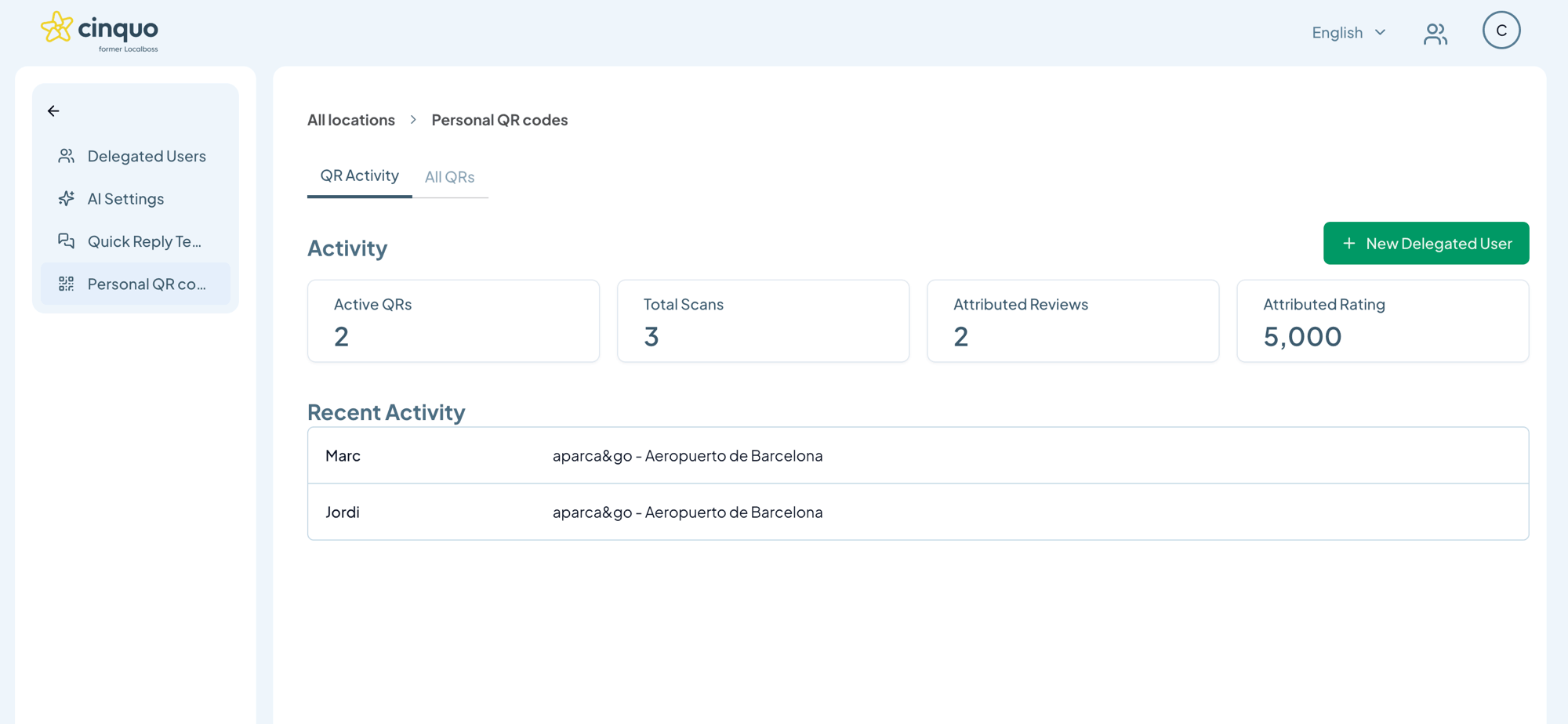
A delegated user is a team member you add to your Cinquo account with a specific role and set of permissions. Unlike sharing your main login credentials, each delegated user has their own access — scoped to exactly what they need. You can add unlimited users across Staff, Manager, and Badge Only roles.
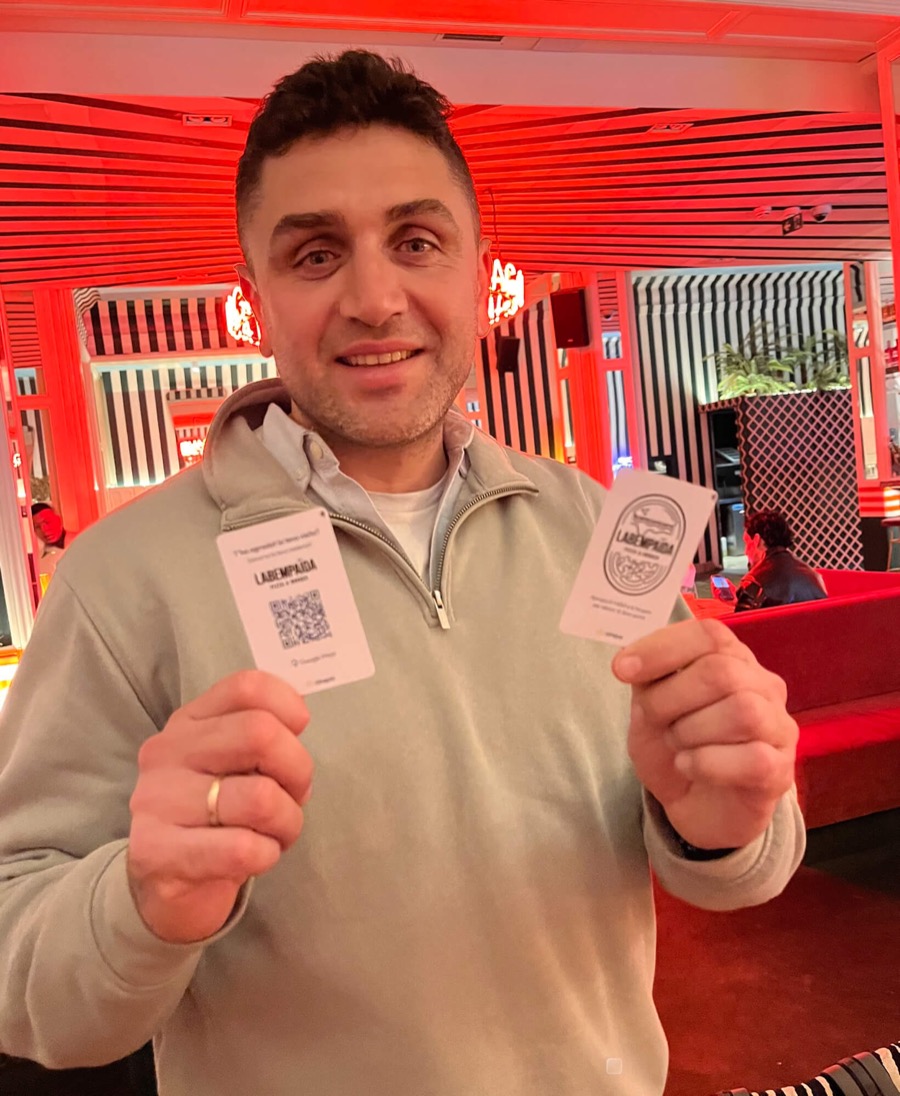
Staff users are assigned to a single location. They get a personal QR badge that tracks which reviews they generate, and they can respond to reviews at their location.
Manager users have a cross-functional role — they can see multiple locations in a consolidated view, respond to reviews, and delegate tasks. They don't get a personal QR badge. This role is designed for area managers, HQ, and central teams.
A Badge Only user is a trackable QR code that's not linked to a specific person. It's ideal for use cases like table QR codes in a restaurant (where any waiter might scan it), room QR codes in a hotel, or shared counters. The QR generates attributed reviews but doesn't require an employee login.
This is exactly who we built it for. A franchise with 20 locations can have each location's manager as a Staff user, area managers as Manager-role users, and the central marketing or reputation team at HQ with consolidated visibility across everything. Each layer of the organization sees exactly what it needs to see.
Yes — as stated in the app, 'Each role has different permissions. You can change it later.' You can update any delegated user's role, location assignment, or remove them at any time from your Cinquo settings.
To maximize team efficiency, combine delegated users with shared reply templates and AI review summaries — your HQ gets the insights, your staff handles the replies.
Add your first delegated user today. No technical setup, no shared passwords, no risk. Start managing reviews as a team.